MUSEUM.EXE · /exhibits/the-museumTEXT MODE
C:\MUSEUM> TYPE EXHIBITS\THE-MUSEUM.TXT

ABOUT THE MUSEUM
Wing: About the Museum   Room: About the Museum
Tags: Godot 4.7, Python, SCons, Jinja2, TOML
================================================================
The Museum, as you stand in today, is a first person portfolio built with Godot 4.7 and exported to the web through WebAssembly. A Python build reads the manifest, validates every exhibit, lays out the rooms, and renders the HTML you are reading now, then Godot assembles and exports the 3D museum so that it can be run in the browser.
Take a look around the rest of this exhibit to see how it all comes together.
ARTIFACT: THE MUSEUM, LAYING ITSELF OUT (scene)
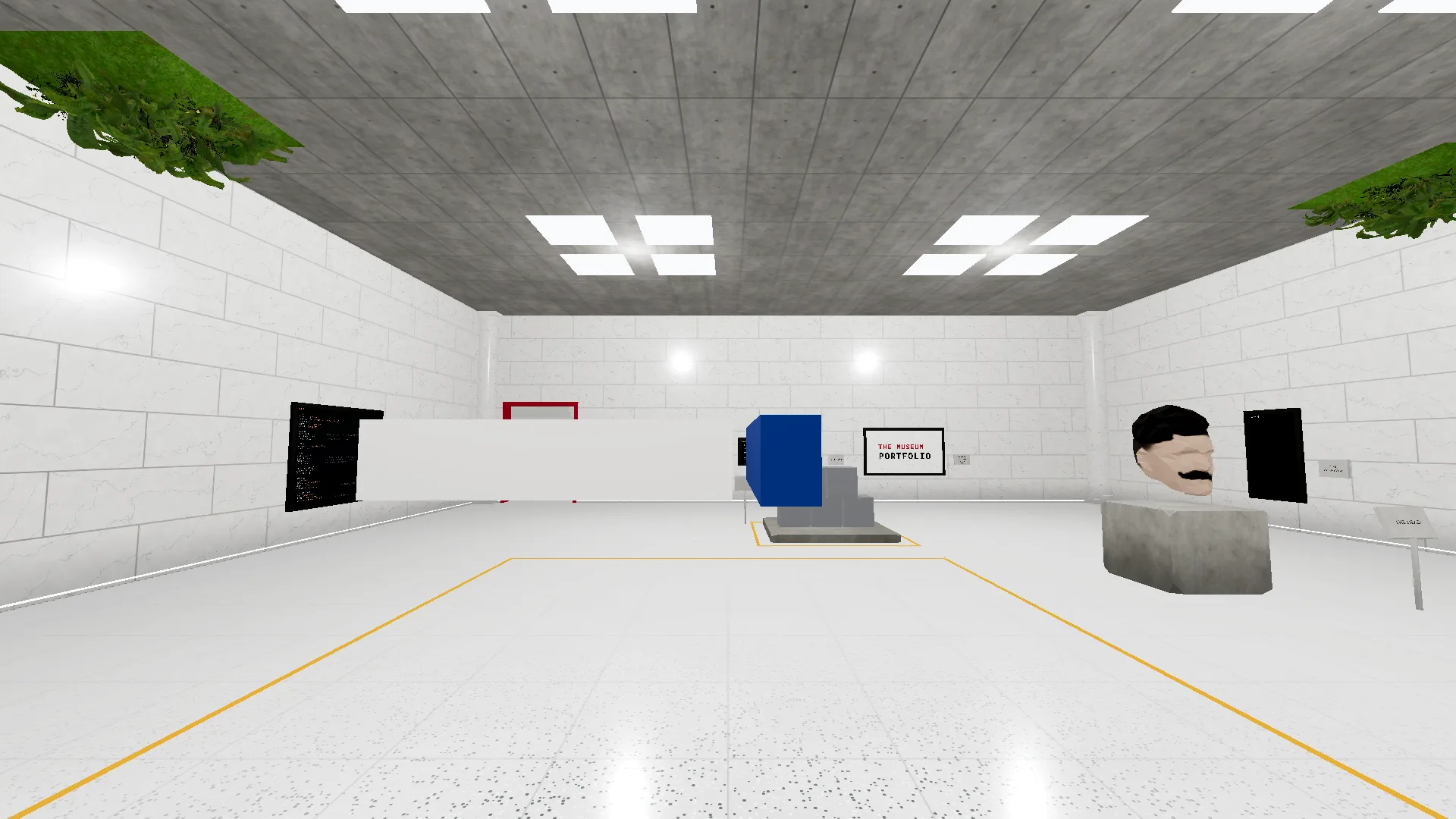
Every museum layout is built to order.
After the contents of a museum is defined, the layout is build using procedural generation using a custom algorithm devised from researching how real museums are laid out. During a build process, the layout generator places every wing, room, and hallway with the exhibits and decorations interspersed with mathematical precision.
This exhibit is a demonstration of layouts produced by the layout generator. Note how multiple floors, rooms, and wings can be supported to create a variety of different configurations. Shared across all is the central atrium. A fixture that research shows is critical to produce a museum with a defined flow that still feels like you can explore it, as opposed to being rushed along a pre-defined track.
ARTIFACT: THE HEAD (model)
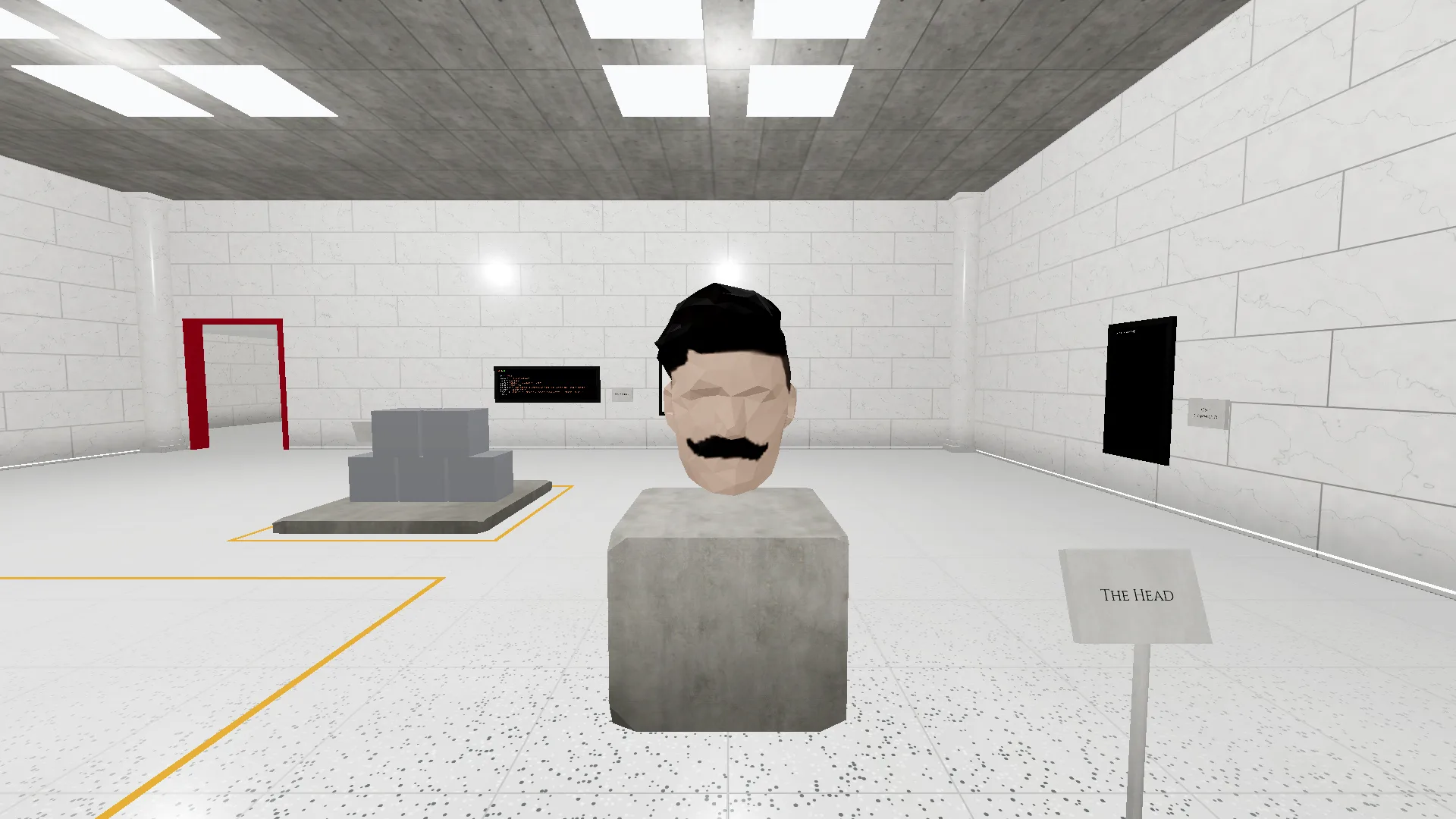
This is the low-poly head that watched visitors from the landing page of the Web4 portfolio. The predecessor and prototype for this museum.
It was created by filming a video of my head capturing every angle, then expanding that video into a series of frames. Using those images a 3D model was reconstructed using Meshroom. Once the model compiled, I took it into Blender and decimated it to fit the original low-poly look of the old portfolio. To finish it off, I setup the UV map and painted on the texture you see today.
ARTIFACT: THE STACK (scene)
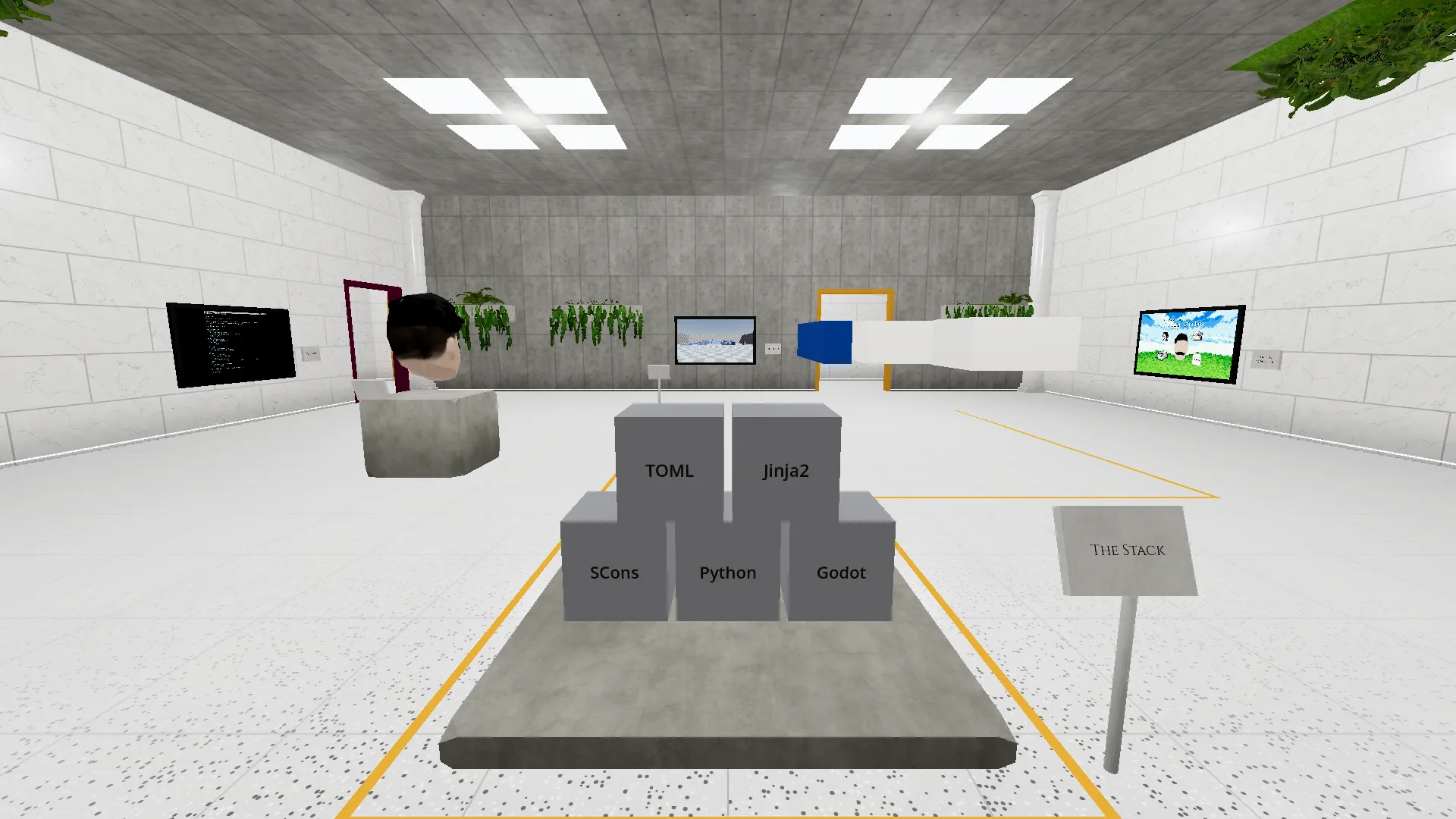
The Museum is a basic, run of the mill, HTML-based webserver under the hood. What separates it from the standard websites of today is how it mixes WebAssembly (WASM) and normal HTML-CSS-JS pages into a coherent experience.
The 3D world and the player controller are composed and written in GDScript with Godot. Python scripts and SCons are used to smartly assemble the WASM and standard web components into a coherent package. Jinja2 is used to templatize every page such that every thing will remain visually consistent and free from human error. And, the backbone of it all, TOML configuration files are used to define the contents of the museum itself.
ARTIFACT: WEB4, IN MINIATURE (scene)
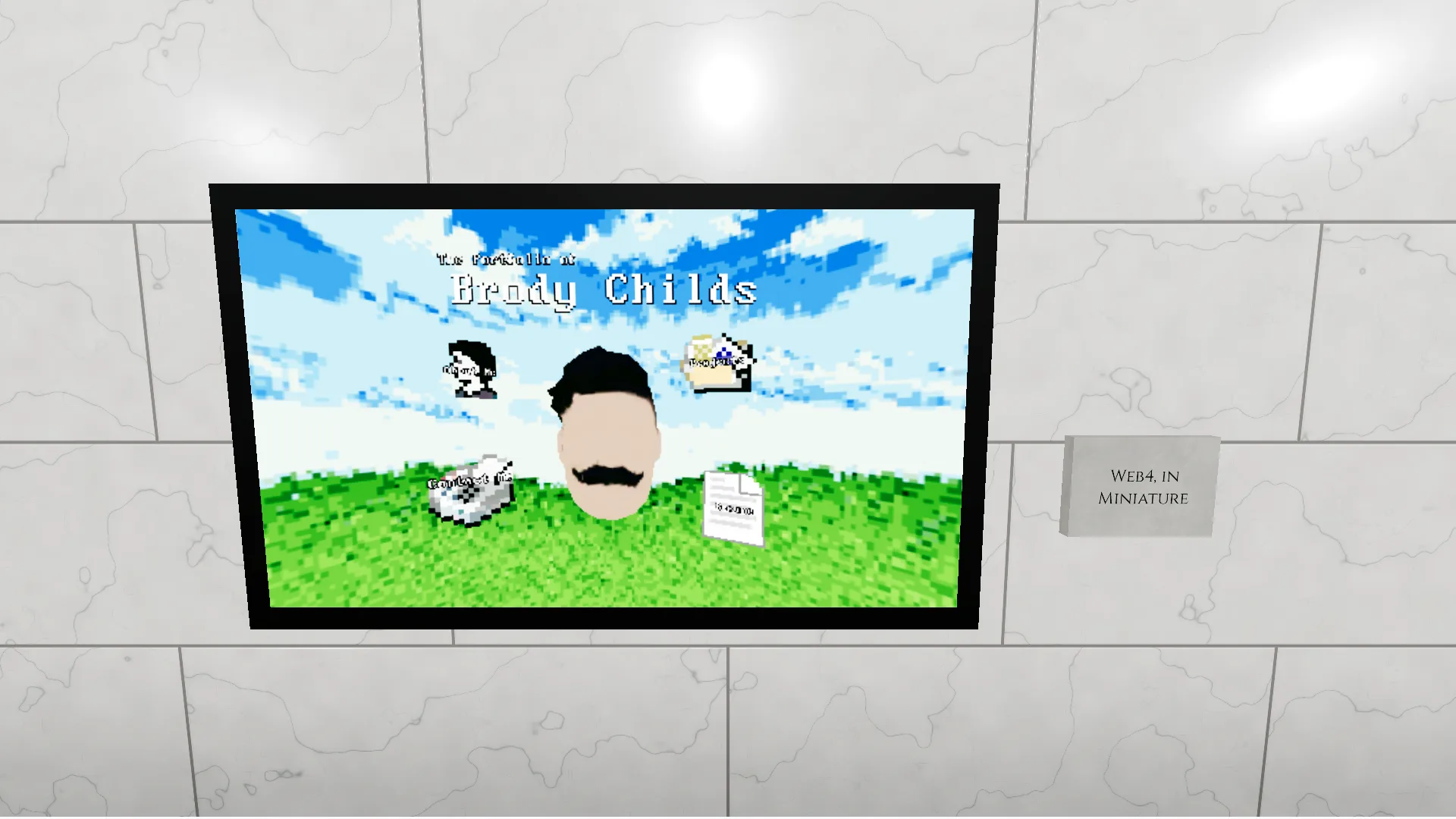
The landing scene of the Web4 portfolio, the website before this museum, preserved in a frame. Its camera still turns to follow your look, and the head still follows its camera, though nothing in it can be clicked anymore.
Web4 proved the pieces this museum stands on: Godot in the browser, a bridge to the page around it, and deep links into the scene.
This was the original prototype website that inspired the creation of The Museum as it exists today. The piece titled, "The Web4 Portfolio," in jest of the Web3 wave pushing blockchain and NFT systems as opposed to the fully immersive web experiences that have been just beyond the grasp of technology and in the dreams of users since the early 2000s.
Ultimately, the Web4 Portfolio proved the idea of a 3D "world website" could work technologically, and The Museum is the next step on the expansion and proliferation of that concept.
ARTIFACT: MUSEUM.TOML (image)
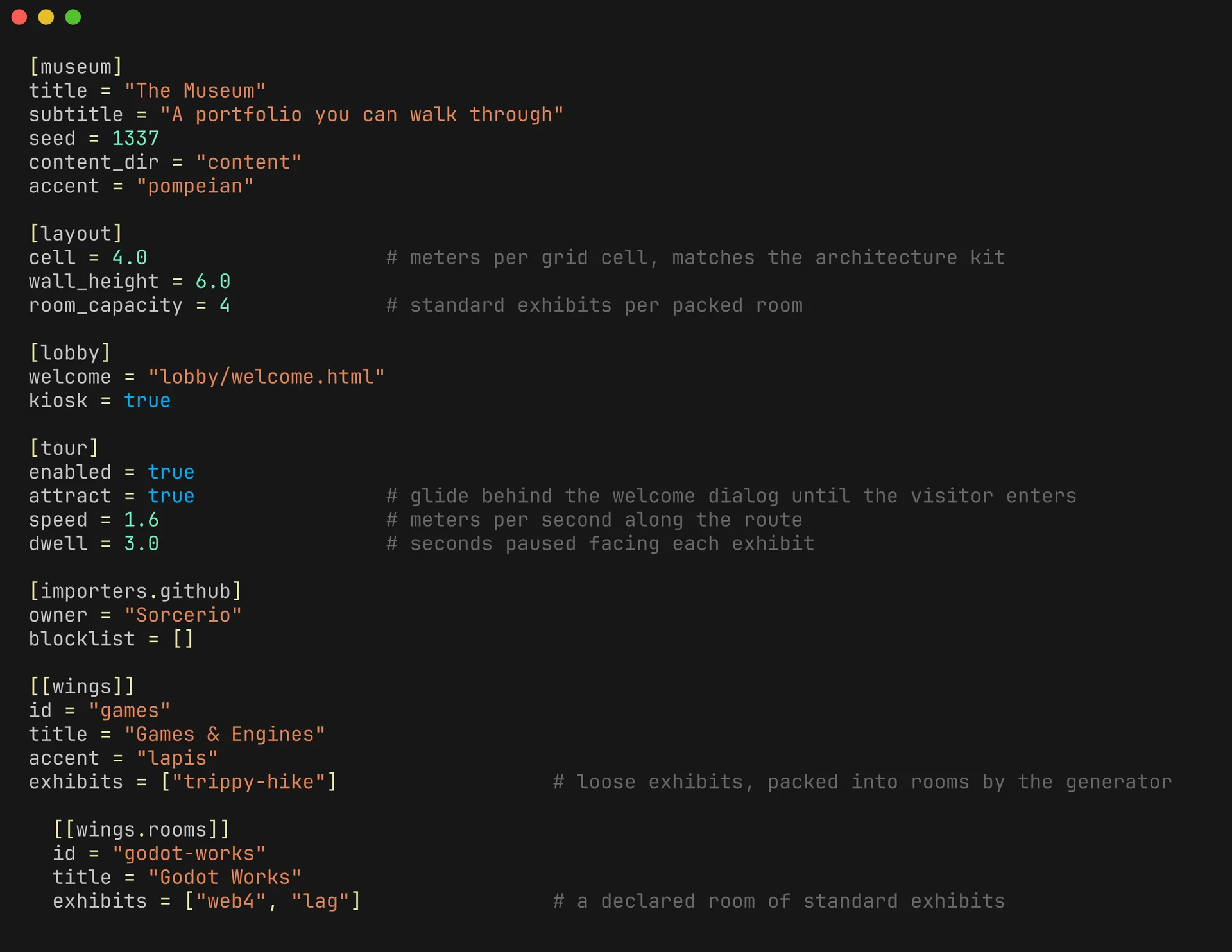
This is an example of a museum.toml manifest that defines the core details of The Museum before it is generated.
Every wing, room, and exhibit you can walk to is declared here in plain TOML, and the build turns it into this building. Adding a project means adding a line and an associated exhibit.toml. This means I never have to rebuild the 3D world by hand; it's produced deterministically through informed procedural generation.
ARTIFACT: EXHIBIT.TOML (image)
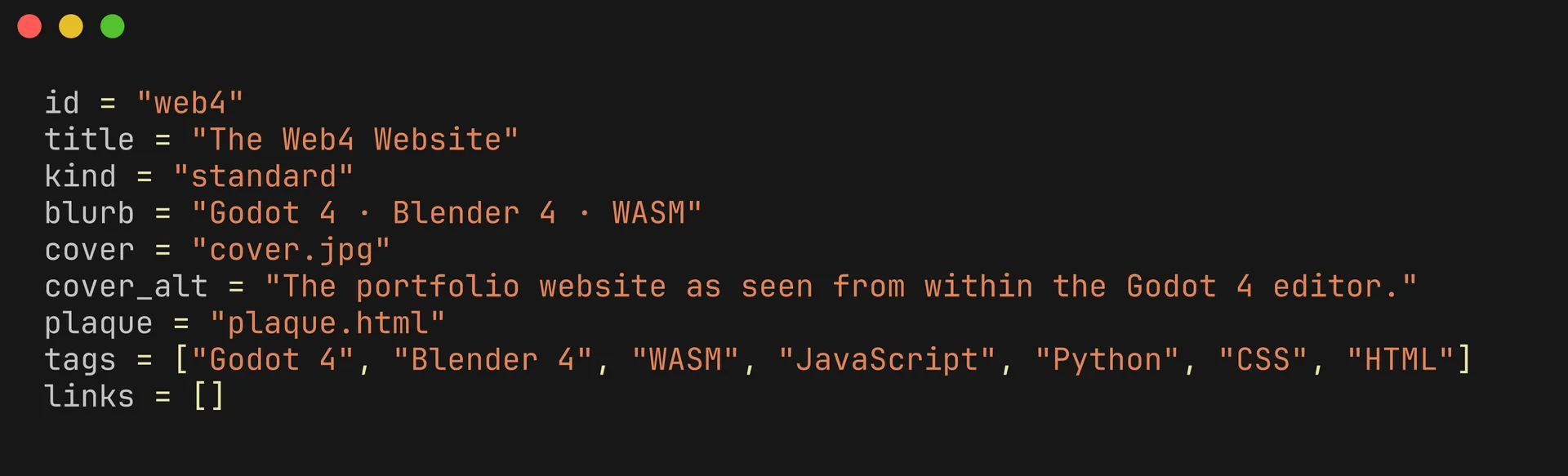
This is an example of a exhibit.toml manifest that defines the details of an Exhibit within The Museum.
When linked into a `museum.toml` file, this manifest defines the details pertaining to an exhibit that will be placed procedurally within The Museum. For small exhibits, like those that appear as a picture on the wall, this means defining some metadata and one or two associated HTML files like the one you're reading now. For grand exhibits, like the entire "About the Museum" exhibit itself, this file defines all the artifacts within.
ARTIFACT: ONE COMMAND (video)
One command builds the whole site. It validates the manifest, lays the museum out procedurally, processes the media, renders every page from templates, assembles the 3D museum in Godot, and exports it all for the web.
This means that the only burden placed on an individual setting a museum up is to produce the content within. A system that is, in some ways, even simpler than most pick-and-place HTML website builders.
ARTIFACT: TEXT MODE (video)
Since the entire Museum is derived from configuration files and procedurally laid out, creating a totally accessible HTML and CSS only presentation is trivial. Using the template systems used elsewhere, a DOS terminal styled "Text Mode" website can be produced.
This offers a surface for search aggregators like Google to index The Museum as a regular website. This means we're providing SEO friendly pages while still making the 3D experience available for people. It also provides a constrained experience for those that might prefer to navigate the web the old fashioned way.
ARTIFACT: THE GREYBOX (image)
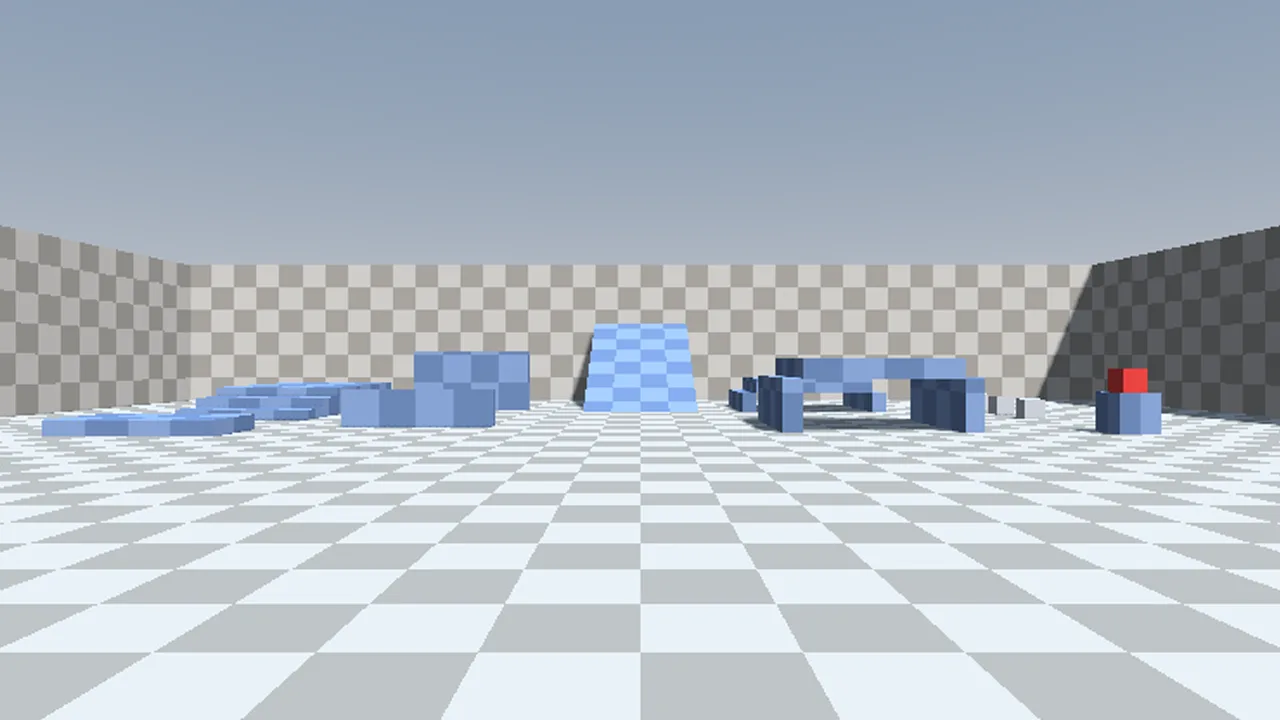
The Museum, like most game-based projects, began with the Grey Box. A basic layout of terrain in a fixed manner to test out the player movement controller and basic systems.
It remains highlighted here as a marker of how the project has come from grey boxes to procedurally generated museum halls.
----------------------------------------------------------------
LINKS
  [1] Back
  [2] Enter the museum at this exhibit
  [3] All exhibits
  [4] Licenses